
-
Games
Total materials on the site: 32133View all games 279
-
Assassin's Creed Valhalla
-
Mods
9 with 14 for Assassin's Creed Valhalla
Reshade mods for Assassin's Creed Valhalla

- 3834
- 1144
- 0
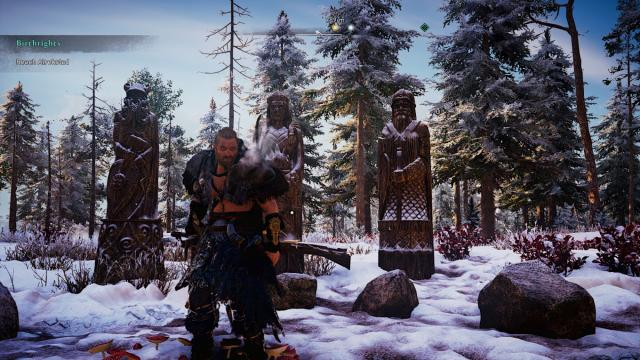
Realistic Reshade for Assassin's Creed Valhalla makes the graphics more realistic, not as bright as in the original version of the game. Installation: - Install the ReShade 4.8.2 program; - Download the preset from here; - Transfer the preset to the game folder; - Enter the game; - Open the ReShade menu and select the corresponding file.
- 2383
- 657
- 0
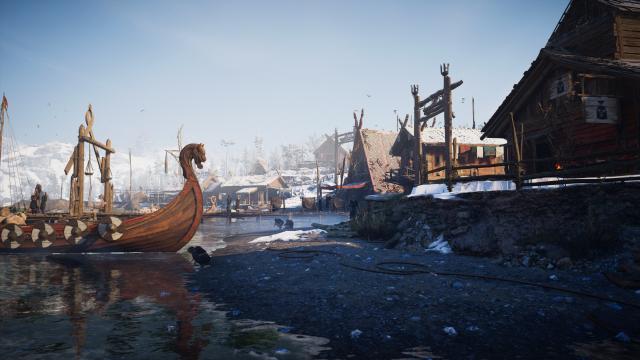
Another mod for Assassin's Creed Valhalla, changing the graphics in the game. The first screenshot - "before", the second - "after", the third - "before", the fourth - "after", and so on. Installation: - Install the ReShade 4.8.2 program; - Download the preset from here; - Transfer the preset to the game folder; - Enter the game; - Open the ReShade menu and select the corresponding file.
- 2200
- 362
- 0
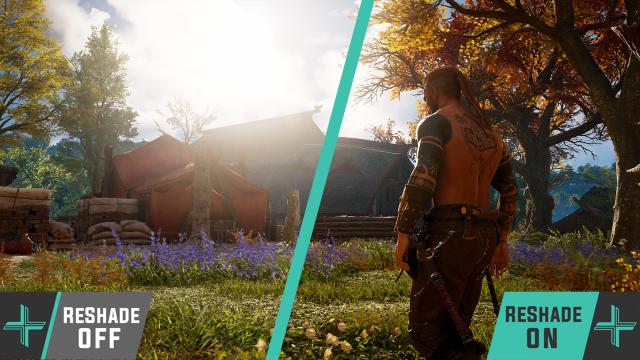
Common ReShade which significantly improves the game in graphical terms. Installation: - Install ReShade 4.8.2 program; - Download the preset from here; - Transfer the preset to the game folder; - Enter the game; - Open the ReShade menu and select the corresponding file.
- 1957
- 281
- 0
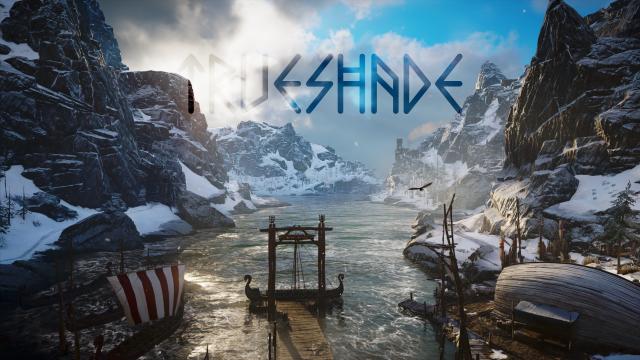
New ReShade for Assassin's Creed Valhalla, which adds only one effect and does not reduce game performance. Installation: - Install the ReShade 4.8.2 program; - Download the preset from here; - Transfer the preset to the game folder; - Enter the game; - Open the ReShade menu and select the corresponding file.
- 2349
- 343
- 0
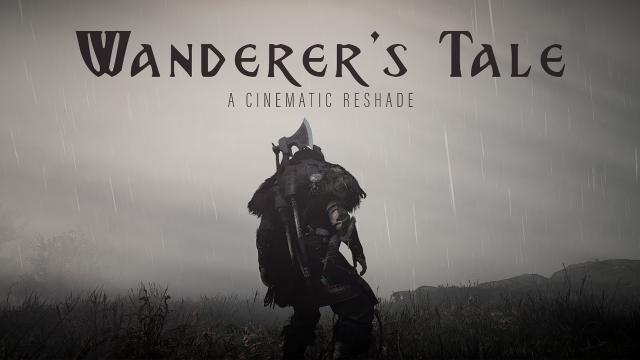
Cinematographic ReShade mod for Assassin's Creed Valhalla is great for beautiful screenshots, and for completely different game experiences. Installation: - Install ReShade 4.8.2 program; - Download the preset from here; - Transfer the preset to the game folder; - Enter the game; - Open the ReShade menu and select the corresponding file.
- 1969
- 338
- 0
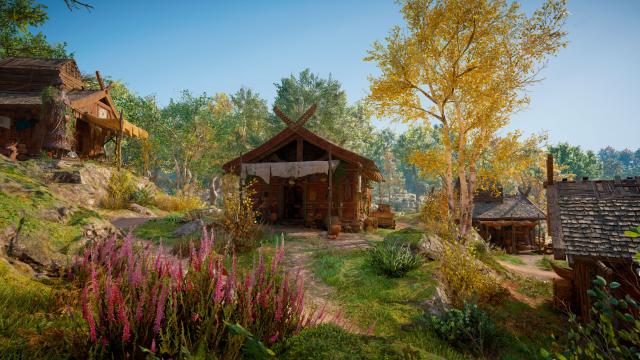
Installation: - Install ReShade 4.8.2 program; - Download the preset from here; - Transfer the preset to the game folder; - Enter the game; - Open the ReShade menu and select the corresponding file.

- 2129
- 280
- 0
A new ReShade for Assassin's Creed Valhalla will make the game world a bit less bright, but still beautiful. Installation: - Install ReShade 4.8.2 program; - Download the preset from here; - Transfer the preset to the game folder; - Enter the game; - Open the ReShade menu and select "ACV_Touch_of_Asgard_V1".