
Mods

- 2166
- 259
- 0
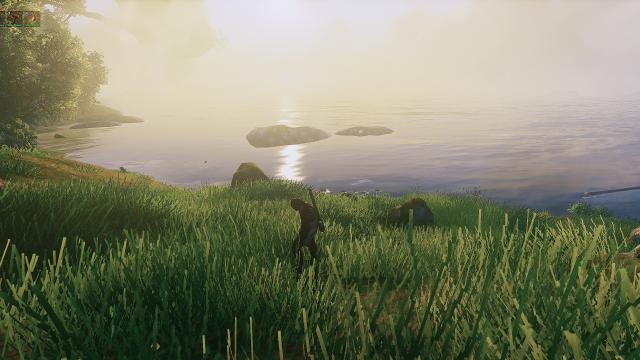
Beautiful and bright graphical preset for Valheim. The Reshade program is used for installation. After the standard installation through Reshade, we enter the game, press the Home button and select this reshade. Then just enjoy.

- 1585
- 272
- 0
When selecting items, a harmonious, non-obstructive label with the item name will now appear. All labels are in the Valheim style, so you can get used to them very quickly. Very simple and convenient.

- 2109
- 294
- 0
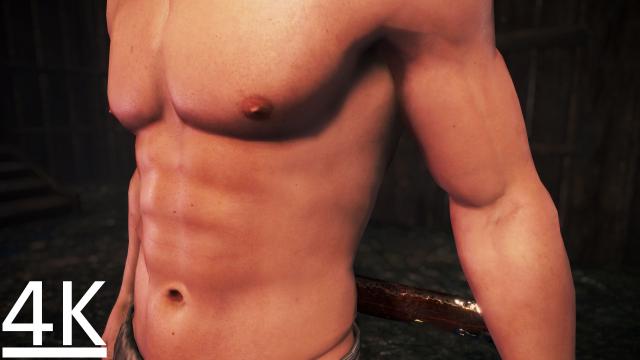
Installation: - Drop the SmoothBodyMale4k folder to the path Nioh 2\Mods; - Enable the mod in the game with the F2 key; - Go to the character customization menu and select preset 1.
- 2229
- 263
- 0

- 2109
- 247
- 0
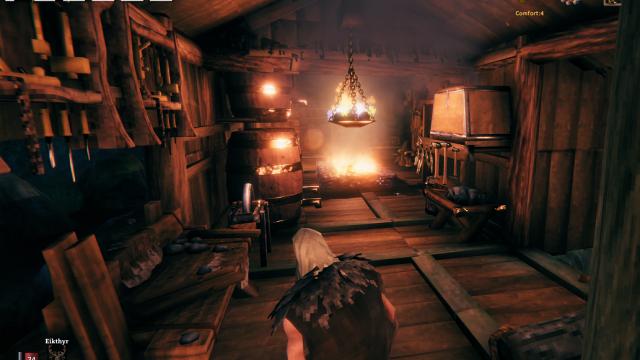
A mod for Valheim adds another beautiful, big and cozy castle to the game.
- 1635
- 211
- 0
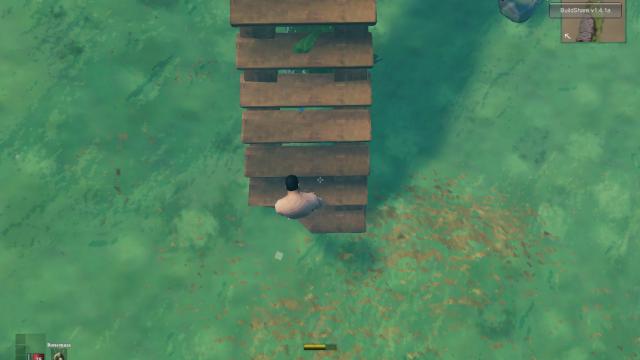
Path to paradise! Climb to the heavens with these stairs. Be sure to try out the mod in a new world, then only at your own risk and peril try it in your current world, for problems may arise.

- 2069
- 318
- 0
\shields Modification of Valheim changes the standard colorings of round shields to new, more beautiful and original ones. Installation path: Valheim\BepInEx\plugins\CustomTextures\shields

- 2142
- 269
- 0
More realistic food and hunger system in Valheim. Now, if your character gets hungry, they will start to slowly die.