
Mods

- 941
- 207
- 0
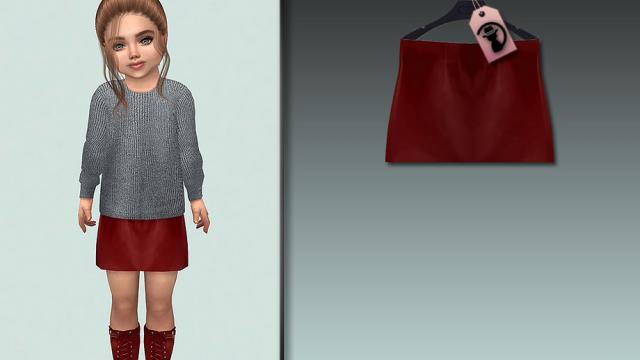
New female skirt for The Sims 4: 8 patterns; All lod; All maps; Works with all skins; User sketch.


- 1628
- 265
- 0
Graphic preset for New World, which is installed through the Reshade program.

- 5307
- 808
- 0
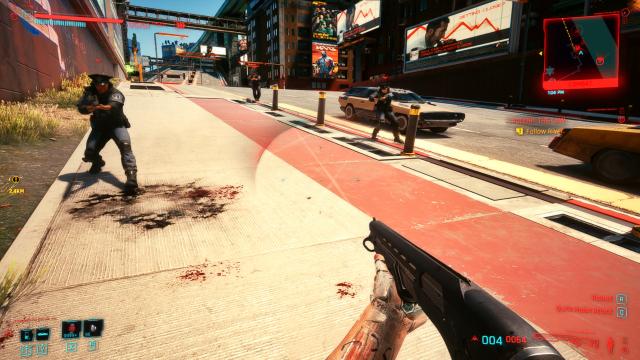
Cheat for Cyberpunk 2077 allows you to get the God Mode by a console command, in which the player has infinite health, infinite stamina and the ability to have an infinite load. Usage: - Open the console and type dofile("godmode.lua"); - Press Enter; - Done! Installation for Steam: - Drop the file from the archive to the path SteamLibrary\steamapps\common\Cyberpunk 2077. Installation for GOG: - Drop the file from the archive to the path Cyberpunk 2077\bin\x64\plugins\cyber_engine_tweaks\scripts.
- 5026
- 1248
- 0
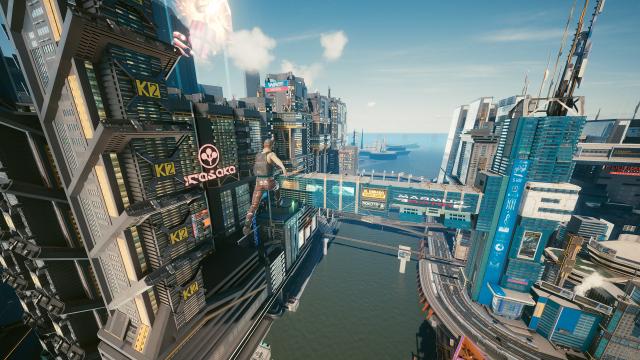
Using the mod: - Press "5" to activate the flight mode; - Press again to deactivate; - W, S, A, D are used to move; - Space and Shift are used to go up and down respectively; - Press "6" to speed up; - Press "7" to slow down. Installation: - Drop the files from the archive to the path Cyberpunk 2077\bin\x64\plugins\cyber_engine_tweaks\mods\.
- 1681
- 489
- 0
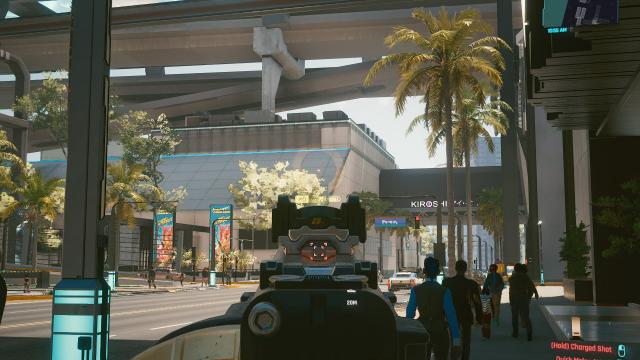
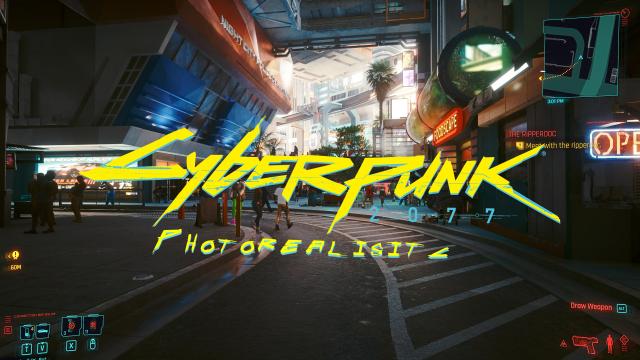
\infinite_ammo A simple .lua script restores your ammo supply every time you reload. Just infinite ammo. Let the settings be: Cyberpunk 2077\bin\x64\plugins\cyber_engine_tweaks\mods\infinite_ammo
- 2485
- 906
- 0
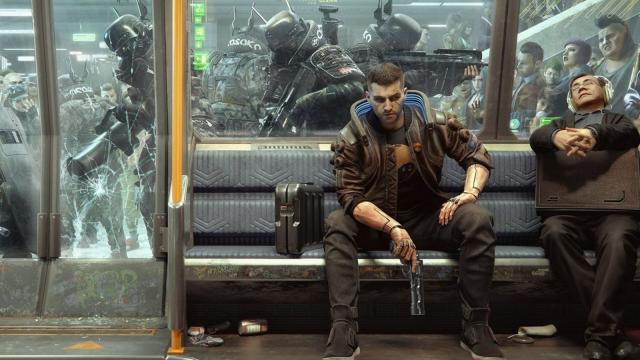
The Cyberpunk 2077 mod enhances colors, shadows, toning, and sharpness.
- 3199
- 552
- 0
\cyber_engine_tweaks\config\cyber_engine_tweaks.ini Modification allows pressing the Page Up key to increase the maximum carry weight of V. Reloading the game (save) allows you to return everything to its original state. Settings: \Cyberpunk 2077\bin\x64\plugins\cyber_engine_tweaks\mods\cyber_engine_tweaks\config\cyber_engine_tweaks.ini
- 4486
- 2063
- 0
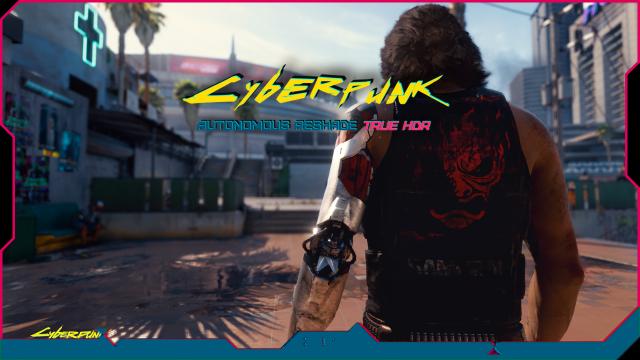
This graphical mod ReShade for Cyberpunk 2077 attempts to emulate the "true HDR" method, which first appeared in Unreal Engine 4 games, and then in the ENB series. This is a software method, not "real HDR" intended for HDR monitors. There is a difference, so try not to confuse them with each other. I used a complex set of effects that work together easily, and it will add a very precise depth, color, and visual effects to your game. In short, this is not some general overhaul, put together very quickly, that only uses a few effects. Installation: Copy all files to the folder with the main .exe Usage: The END key can be used to enable all main effects, PageDown to change depth, and Home to enable the GUI.