
-
Games
Total materials on the site: 32133View all games 279
-
Skyrim SE-AE
-
Mods
22 categories with 913 modifications for Skyrim SE-AE
Interface (UI) mods for Skyrim SE-AE

- 1966
- 294
- 0
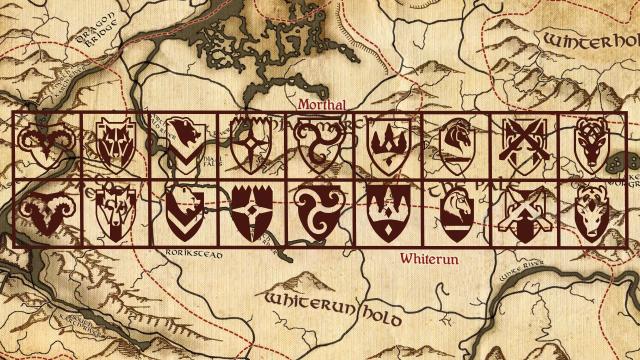
This mod for Skyrim retextures the standard map icons, making them brown. The screenshots show versions of already discovered and undiscovered locations.
- 2893
- 330
- 0
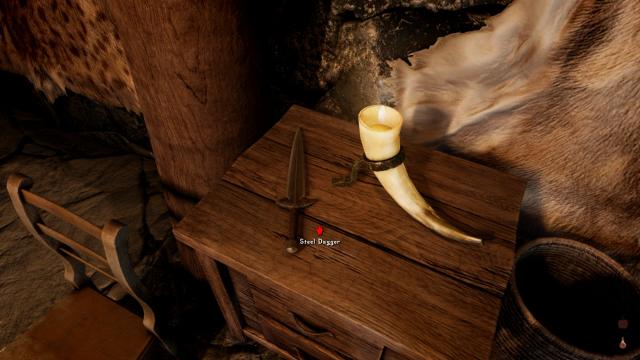
Beautiful icons of various interactions with the world for Skyrim SE.
- 7853
- 1193
- 0
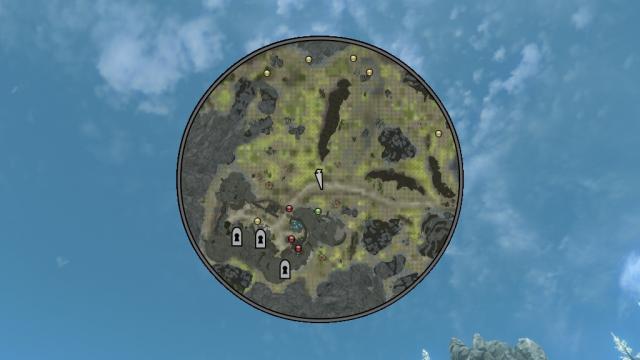
Do you want a convenient mini-map in Skyrim SE? Then this mod is for you. The map displays: - Allies; - Enemies; - Various locations; - Other.
- 2735
- 294
- 0
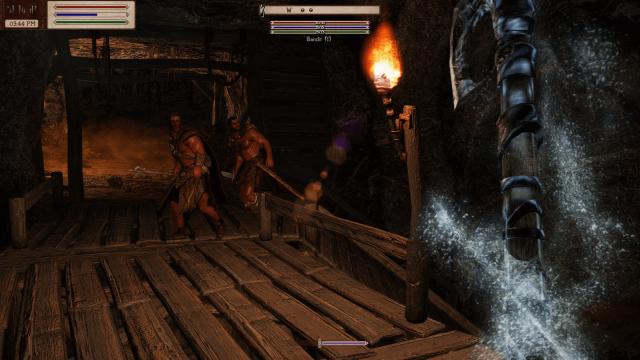
The mod reworks the standard interface. Now the HUD will be more paper-like, like in Oblivion. Looks original.
- 3004
- 622
- 0
Mod for Skyrim SE removes the initial intro, Bethesda logo, fog, various addons, Creation Club, hints, news and more. Just a clean main menu.
- 2467
- 313
- 0
A simple plugin automatically changes the view from first-person as soon as you start a dialogue. After the dialogue is finished, the camera automatically returns to its original state. If you start a dialogue from first-person - the mod does nothing.
- 2084
- 248
- 0
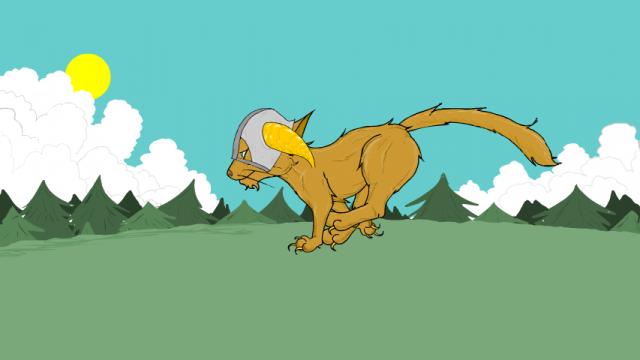
Running Cat - new animated loading screen for Skyrim SE. With only two options: night and day version. Installation: - Choose only one version (Night - night, Sunny - sunny weather); - Go to the root folder of the game, then to the Data folder, then to Interface; - Drop the necessary version (either night or day) into the Interface folder; - Done!
- 2753
- 278
- 0
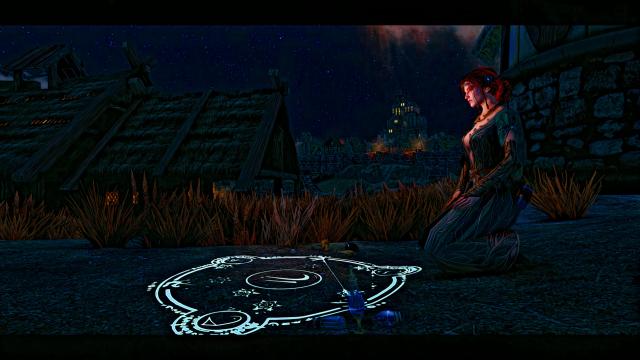
Dedicated to all Witcher fans. Modification changes the main menu screen to a new one. There are 17 options in total, all based on the Witcher universe. Music remains unchanged. Installation: - Select the desired version of the mod from the archive; - Drop it to the path Steam / SteamApps / Common / Skyrim Special Edition.