
-
Games
Total materials on the site: 32133View all games 279
-
Starfield
-
Mods
28 with 744 for Starfield
How to change spaceship name in Starfield
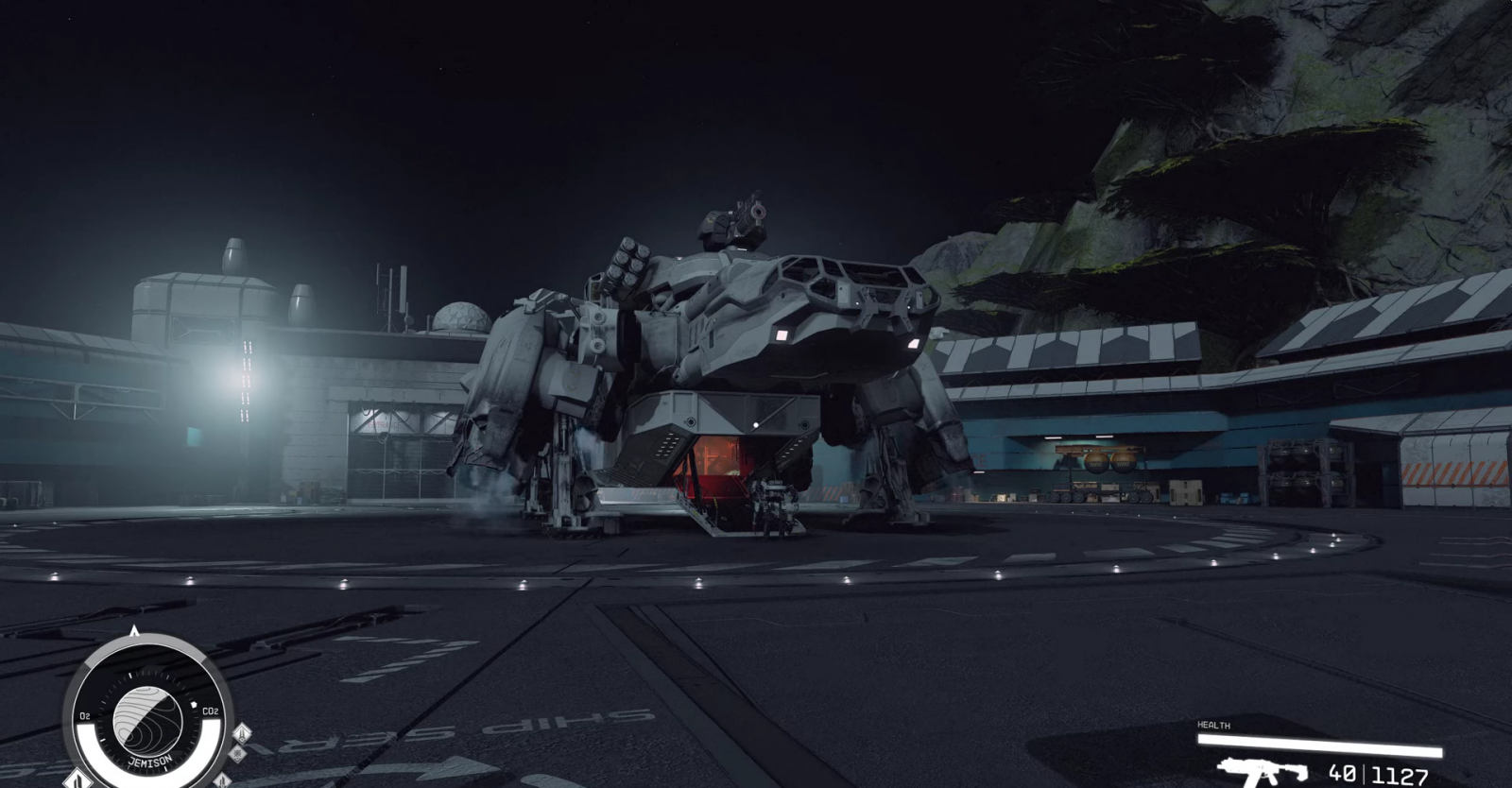
In Starfield, you can not only modify and customize spaceships but also give them different names. This is a very convenient feature that will make each spacecraft unique and memorable.
How to Change the Name of a Spaceship in Starfield
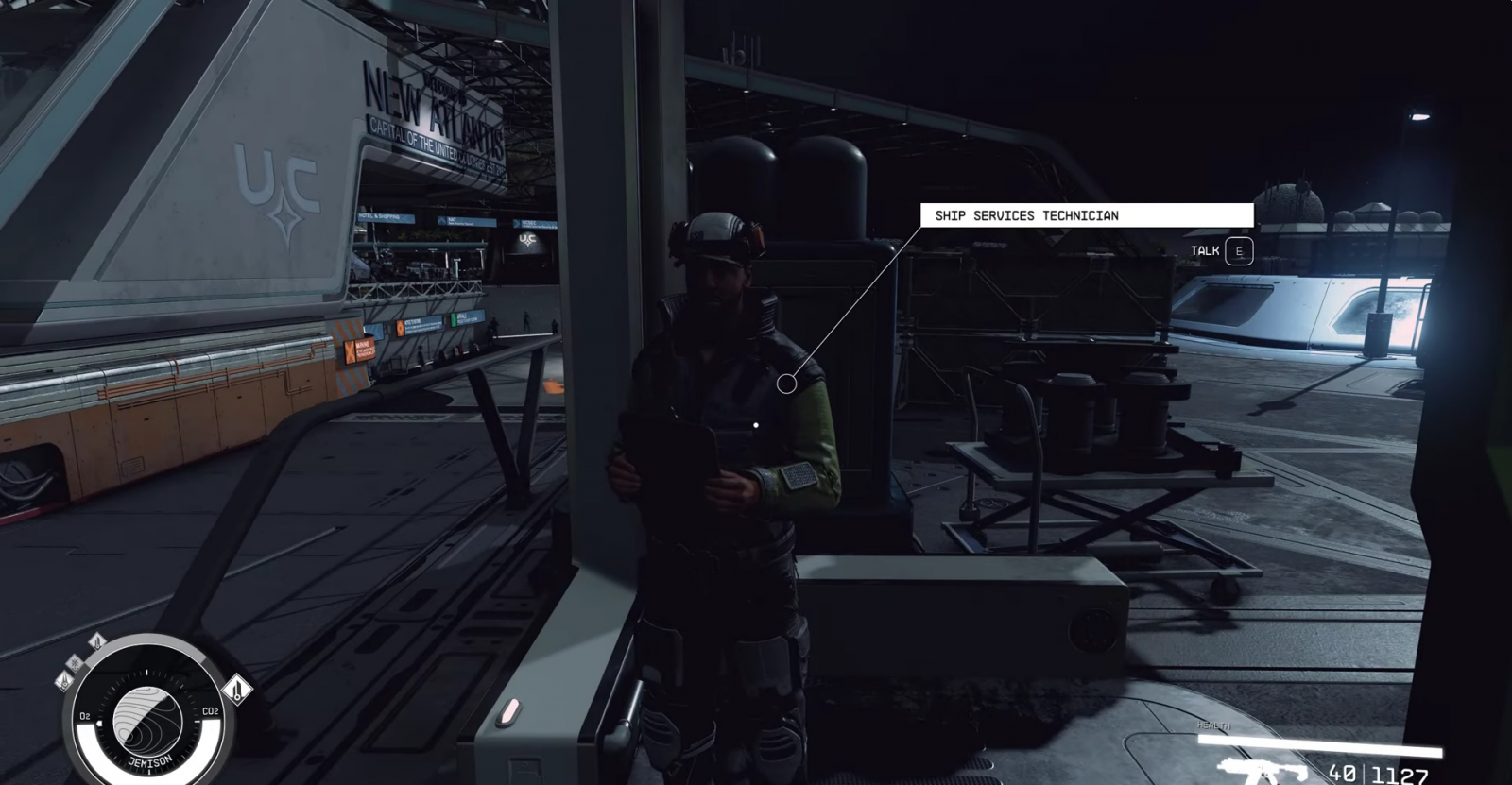
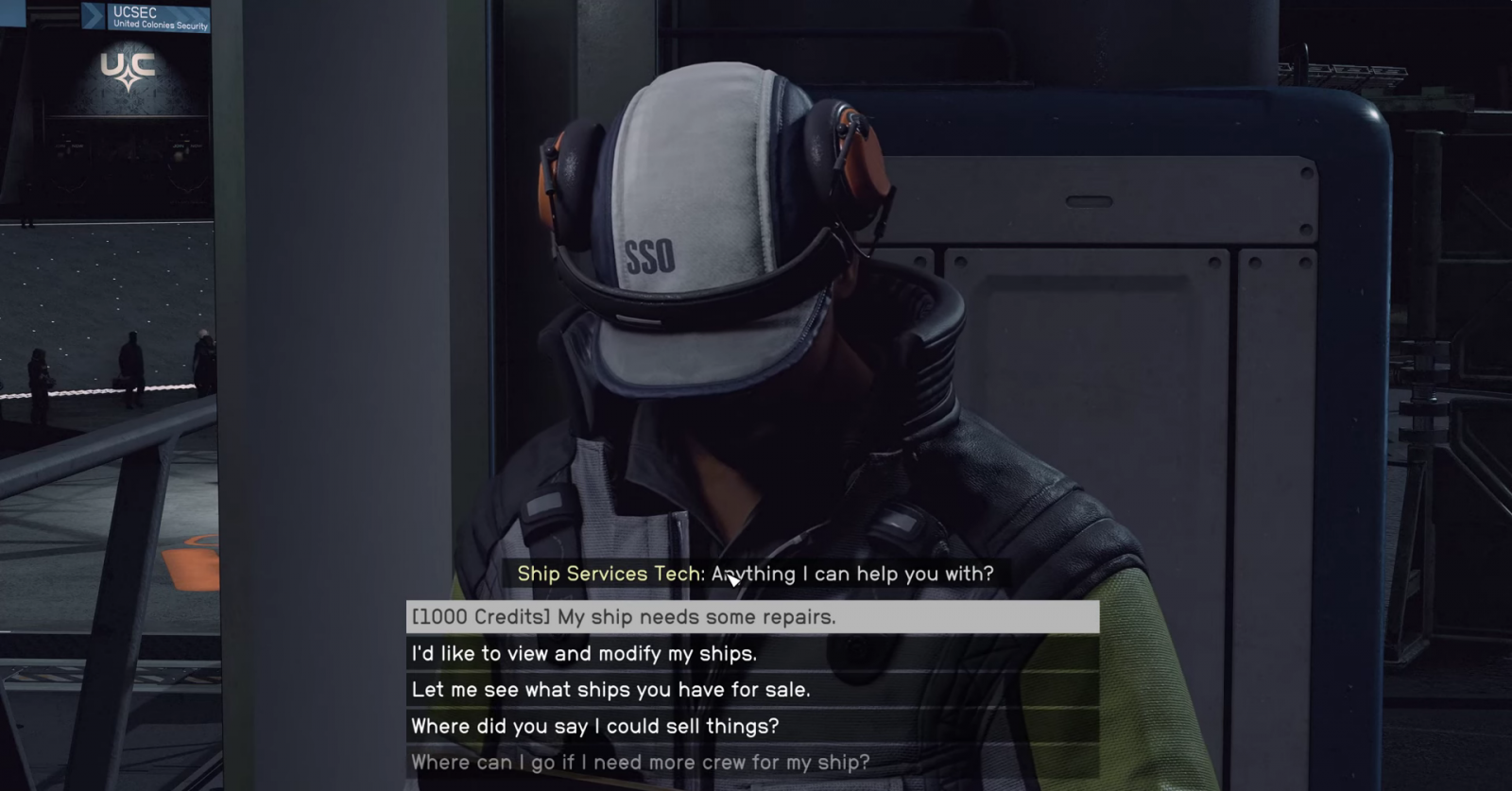
To change the name of your ship, you need to find a Ship Services Technician. This type of NPC can be found on each of the planets. Approach them, talk, and follow these steps:
- "I’d like to view and modify my ships";
- In the ship upgrade menu, select "Ship Builder";
- Next – "Flight Check";
- Finally – "Rename Ship".
- Don't forget to save the changes by pressing "Confirm" on E.
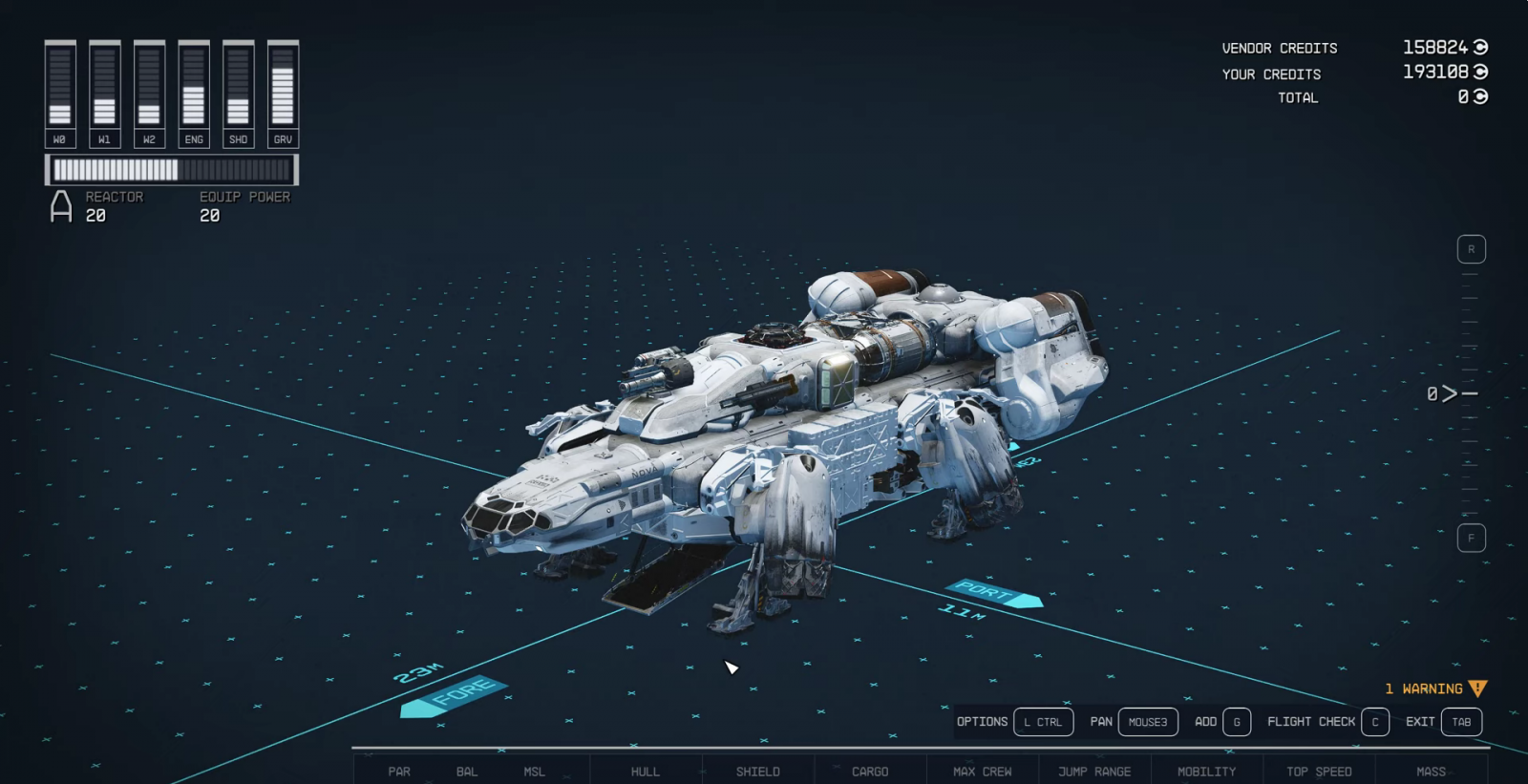
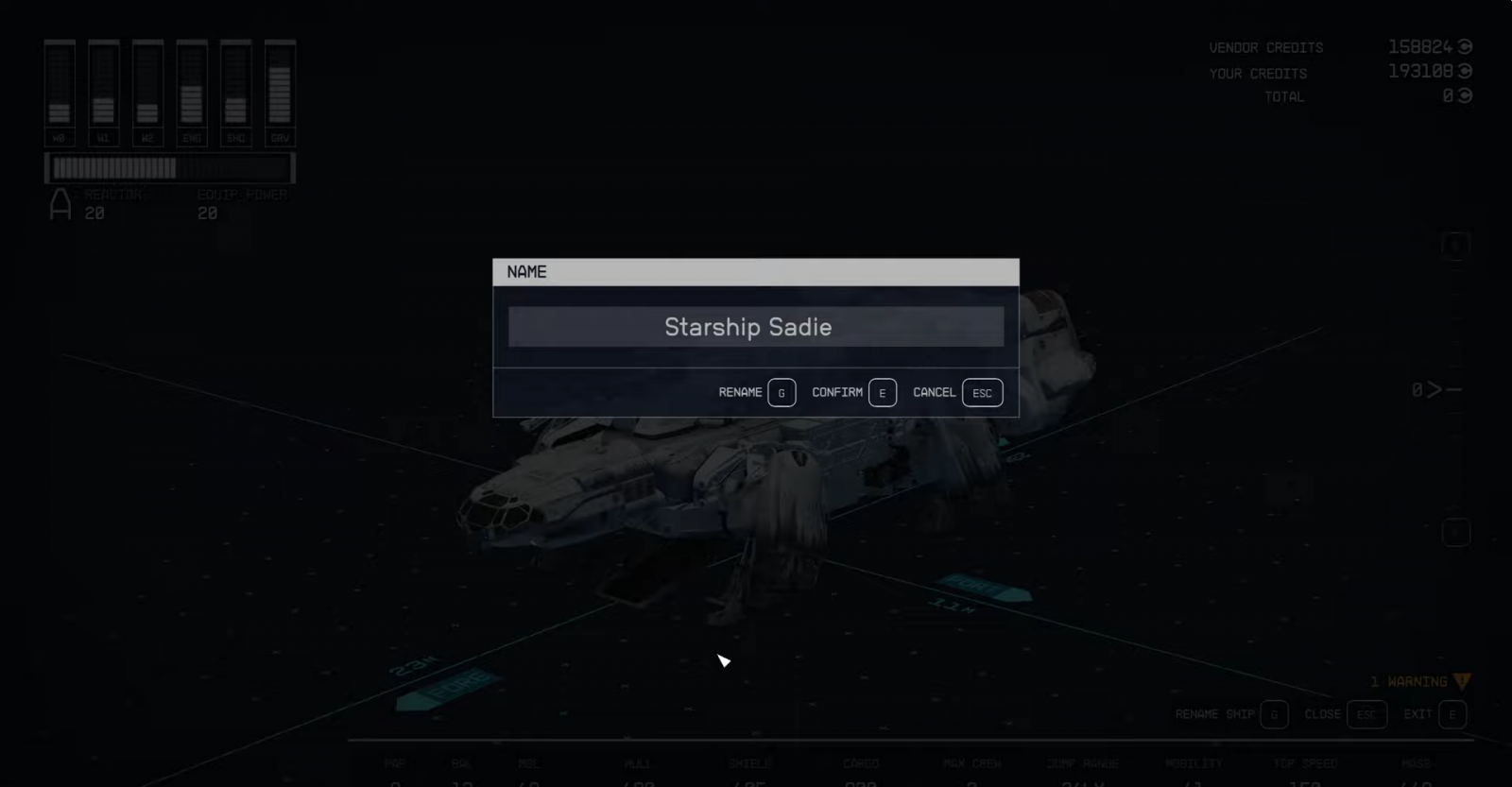
The name of the spaceship does not affect the gameplay in any way – you can use any words and meanings. Naturally, Russian layout is not available. The number of changes is unlimited - come to the specialist at any time if you come up with something new.
How to complete the secret quest “Mantis”, get new armor and a spaceship
- 3933
- 0
- 25 sep 2023
Localization for Starfield: which languages will be available in the game?
- 3560
- 0
- 19 jun 2023
How to start and complete the Eye Of The Storm mission in Starfield
- 5269
- 0
- 11 sep 2023
Comments 0
Rules for writing comments. For non-compliance - ban!
- Use of profanity (mat) in messages
- Communication is not on the topic of the material
- Any insults of other participants, including the author of the material
- Writing messages in whole or in part in CAPITAL letters (Caps Lock)
- Expressing your opinion without supporting it with arguments
- The use of links to third-party sites, or the use of images/videos/other content containing the aforementioned links
Messages that violate these rules will be deleted, and malicious violators - deprived of the ability to add comments on the site!